
Alex MorganCo-parent Active KWS VerifiedMia: 2
Edit


iZiViD is a video-call app that lets you easily plan your child’s favorite stories, games, drawing and videos for the next call and enjoy them together live.
Stay part of their world.
Free plan, no credit card needed.


Greeting
Start and end your call with a personalized theme for your child. Connect visually before the call even starts. Create one yourself or choose one from the community.
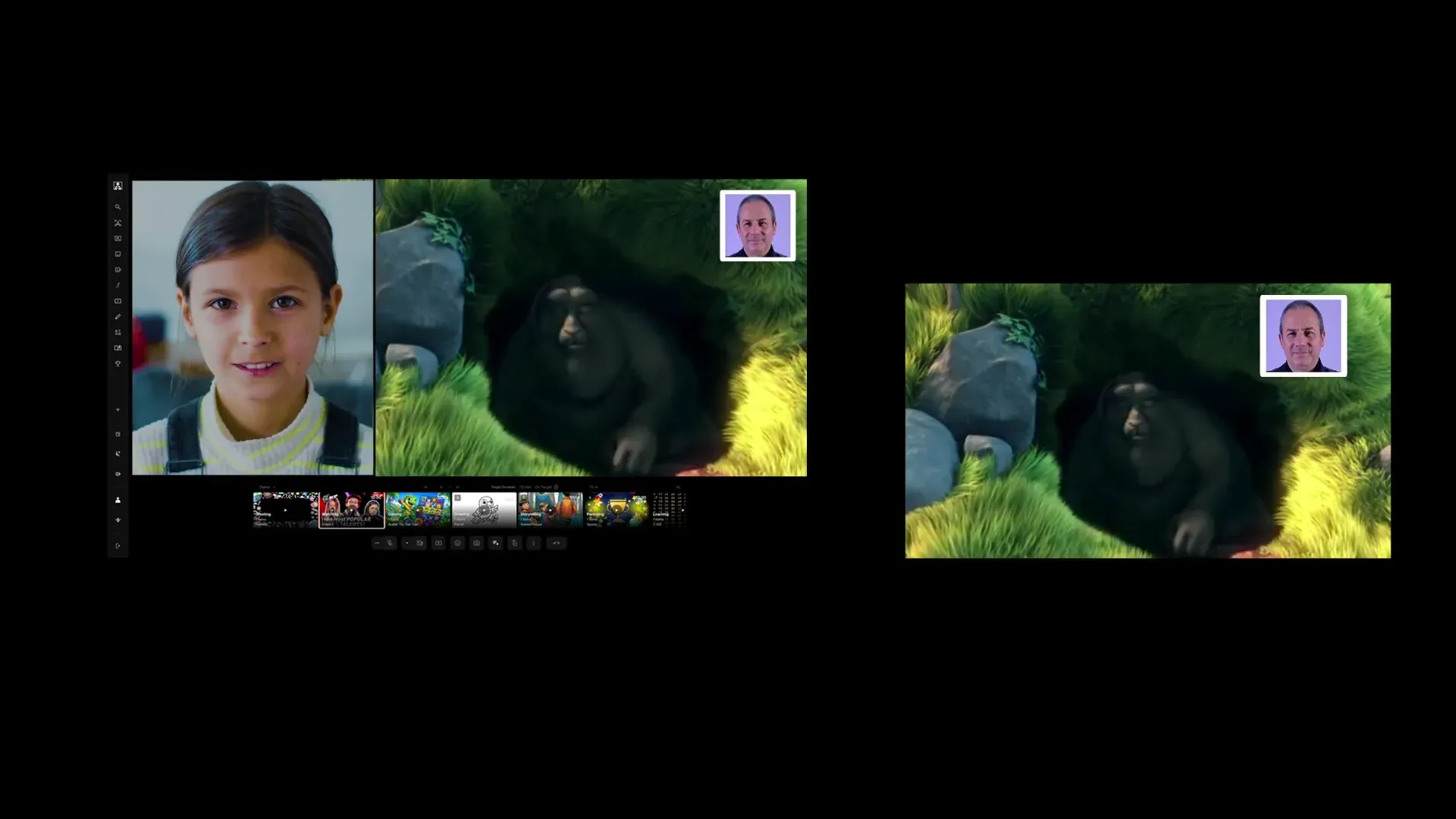
Watching
Share experiences by watching photos, videos and YouTube together.
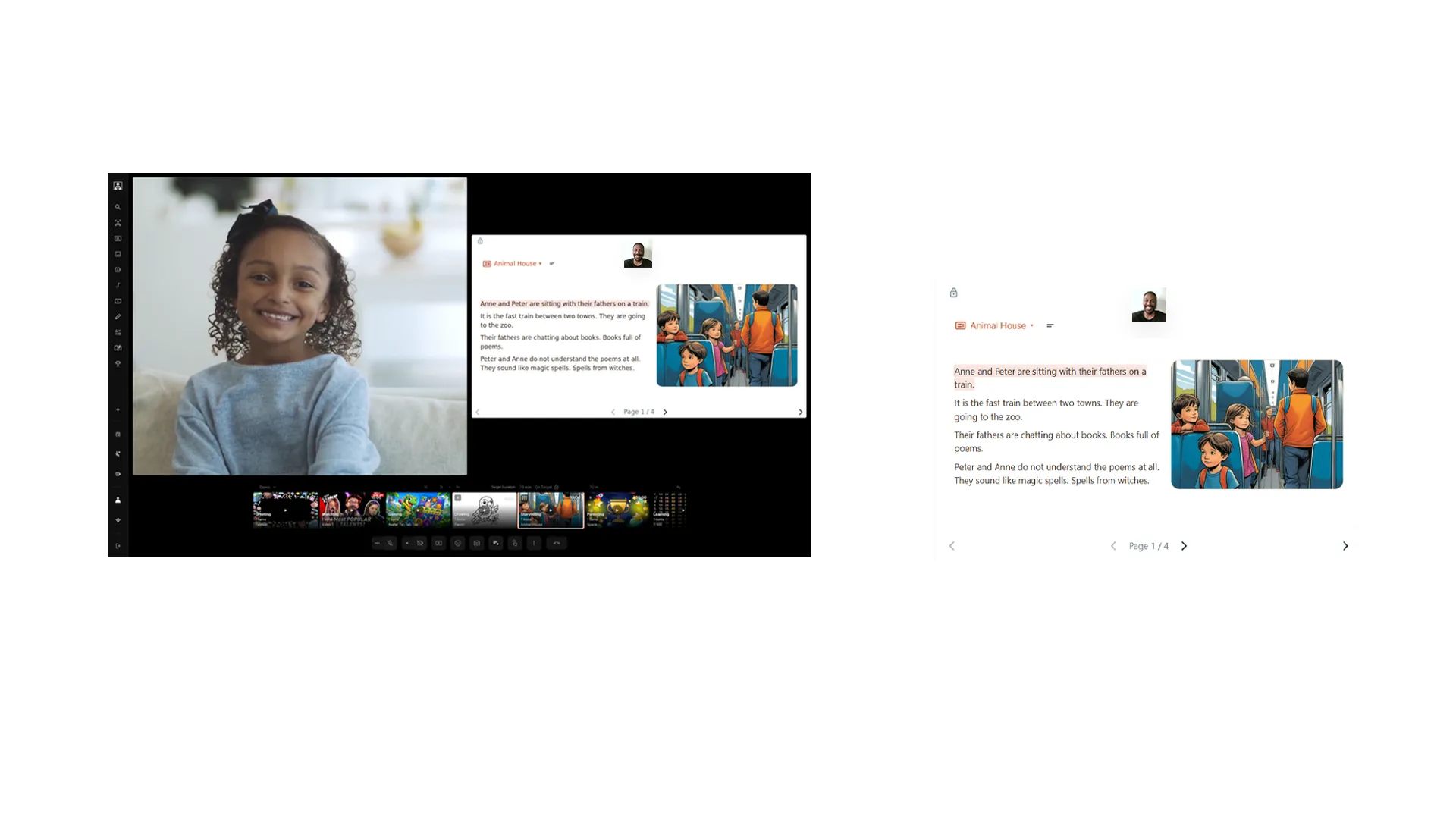
Storytime
Teach your child new words, help them learn to read in your native language, or introduce a new language together.
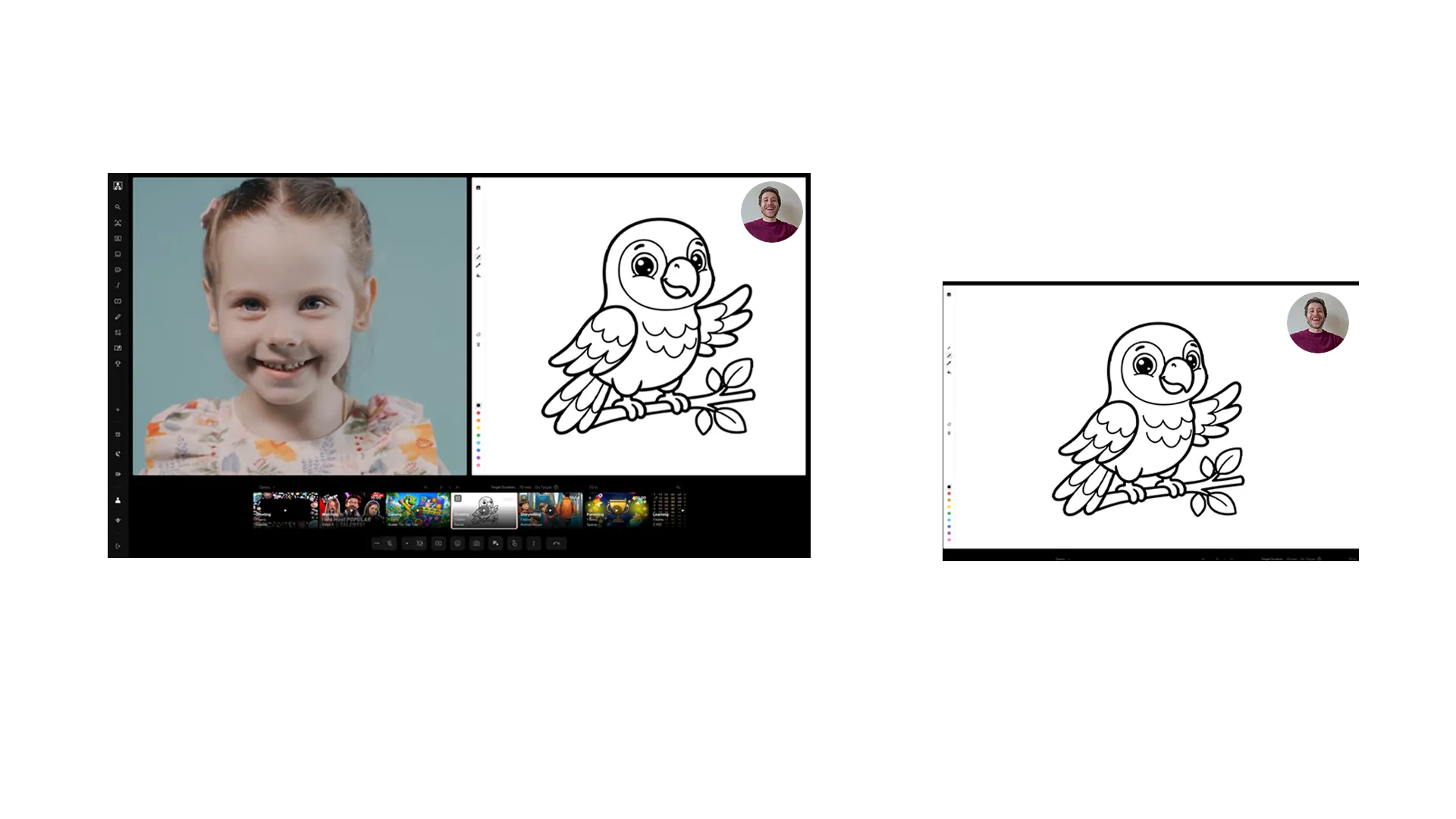
Drawing
Start a drawing together and the conversation will follow naturally.
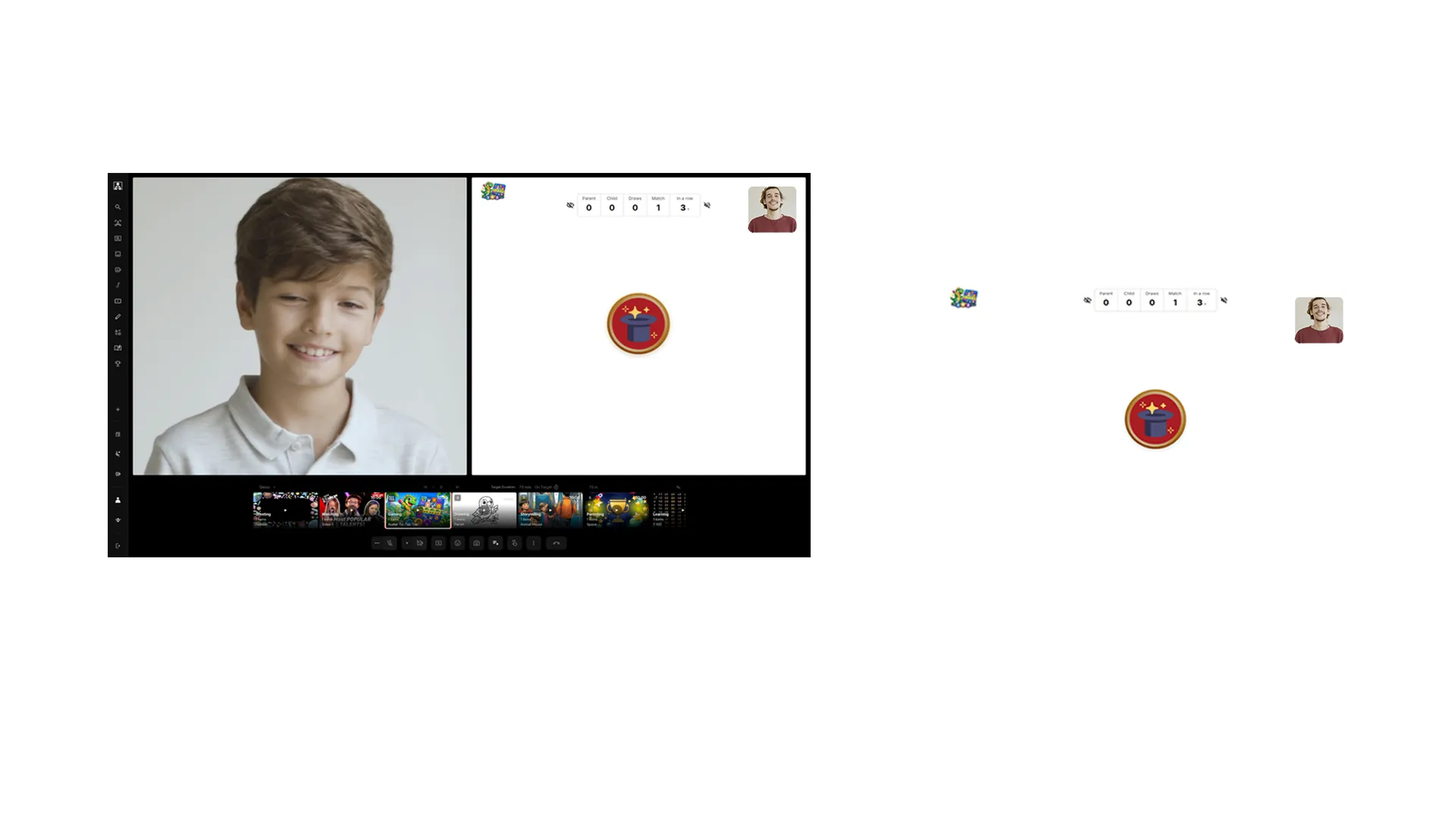
Gaming
Adapt to your child’s playfulness and play personalized games together.
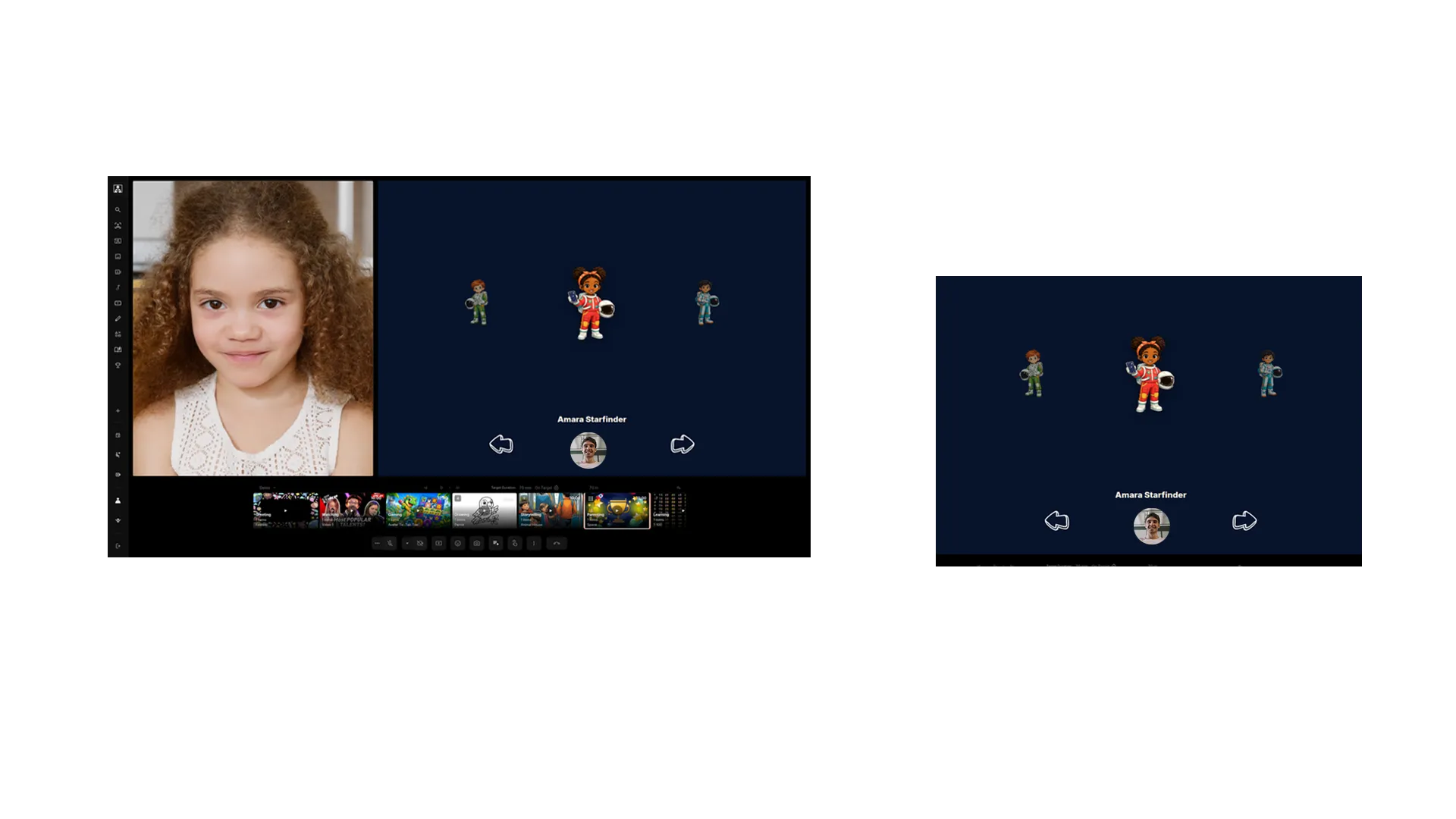
Parenting
Set clear parenting goals and let your child play to earn rewards you would have given anyway.

Learning
Use filters to teach your child about any topic you like.
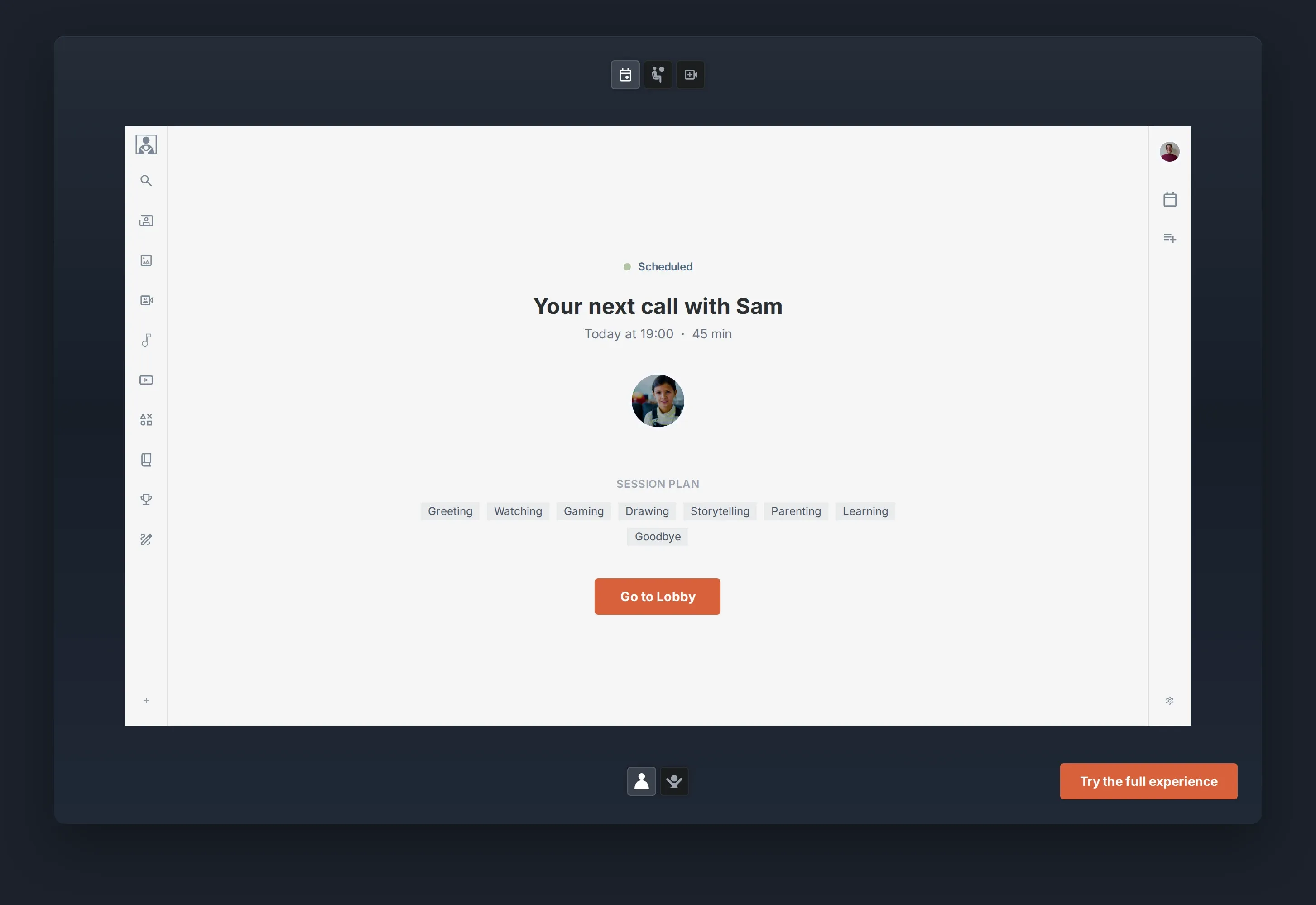
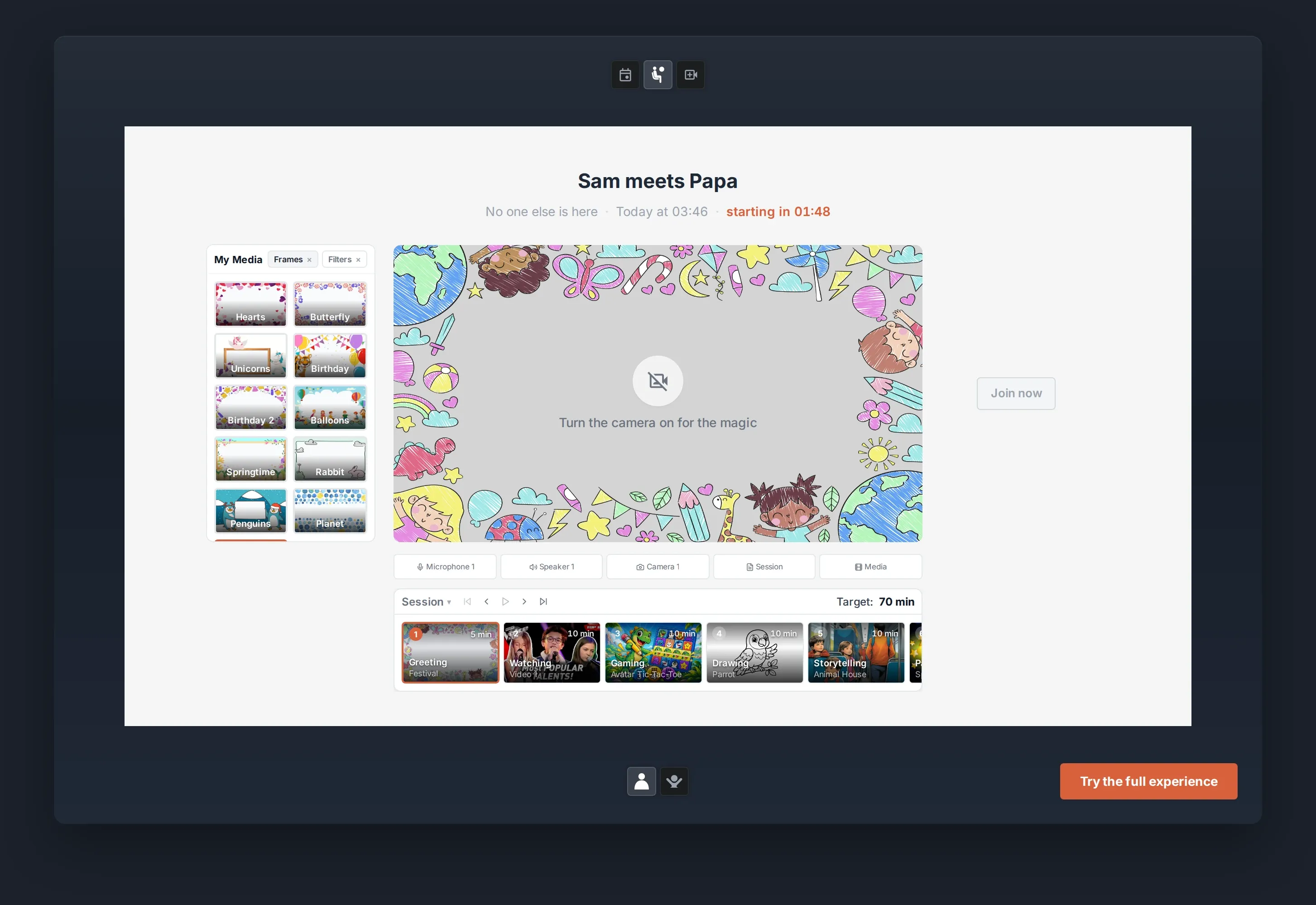
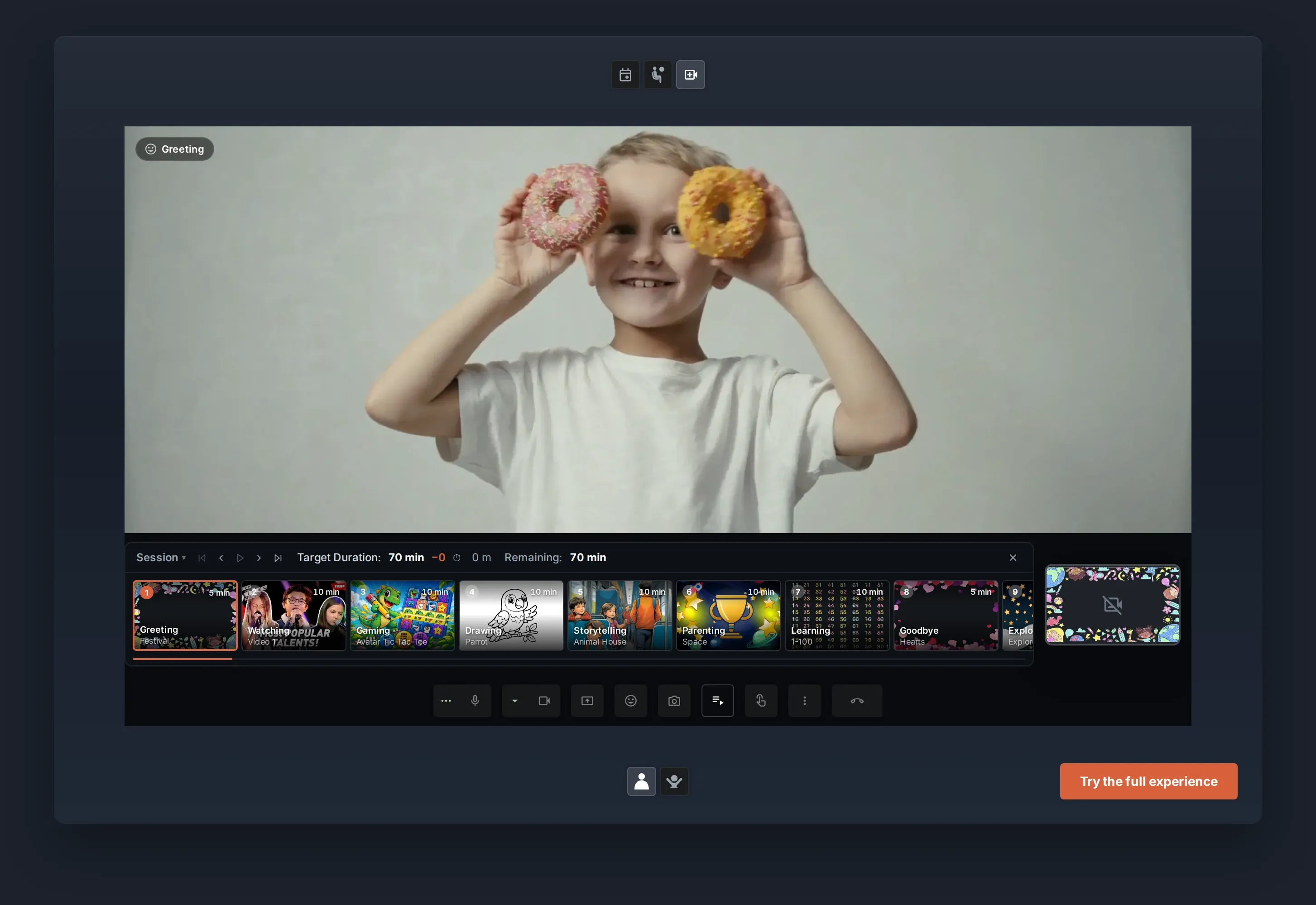
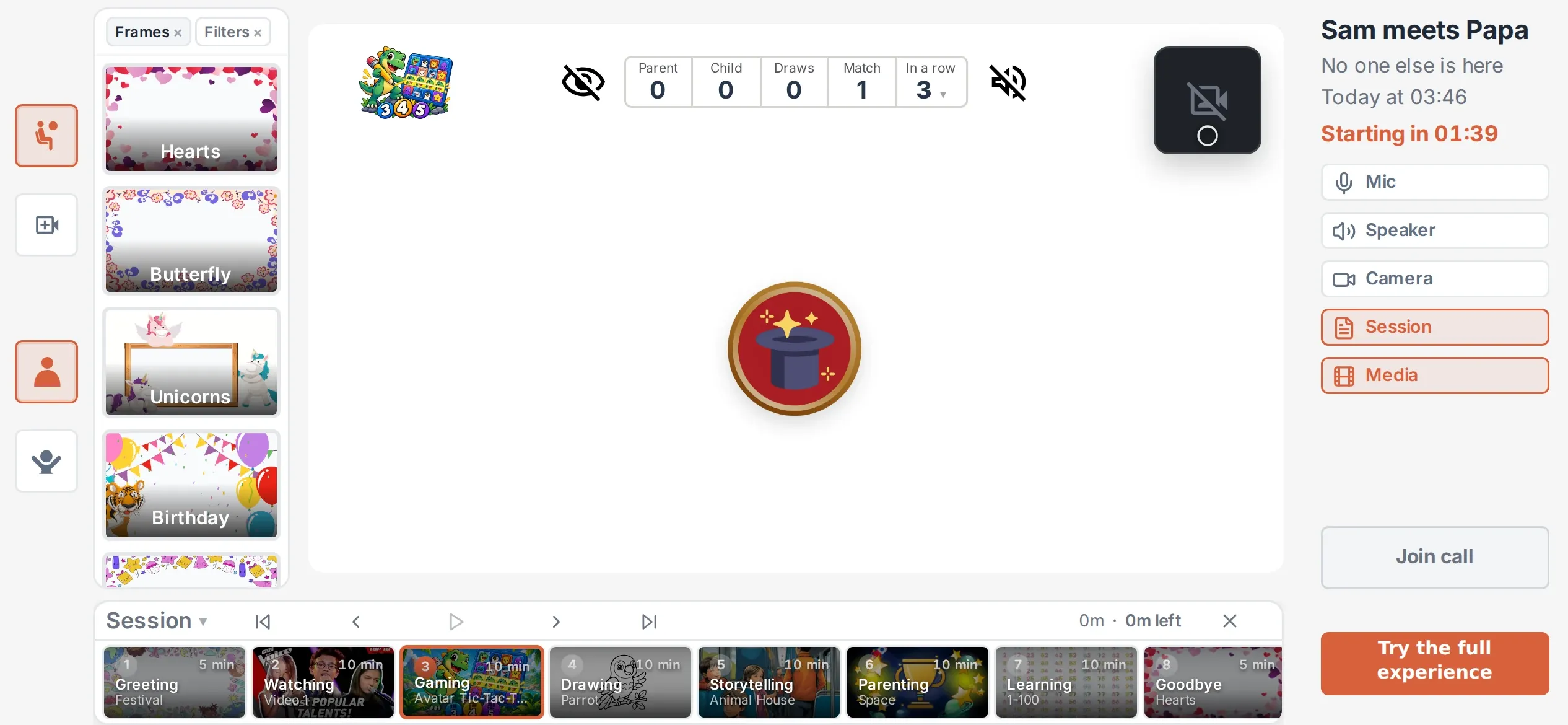
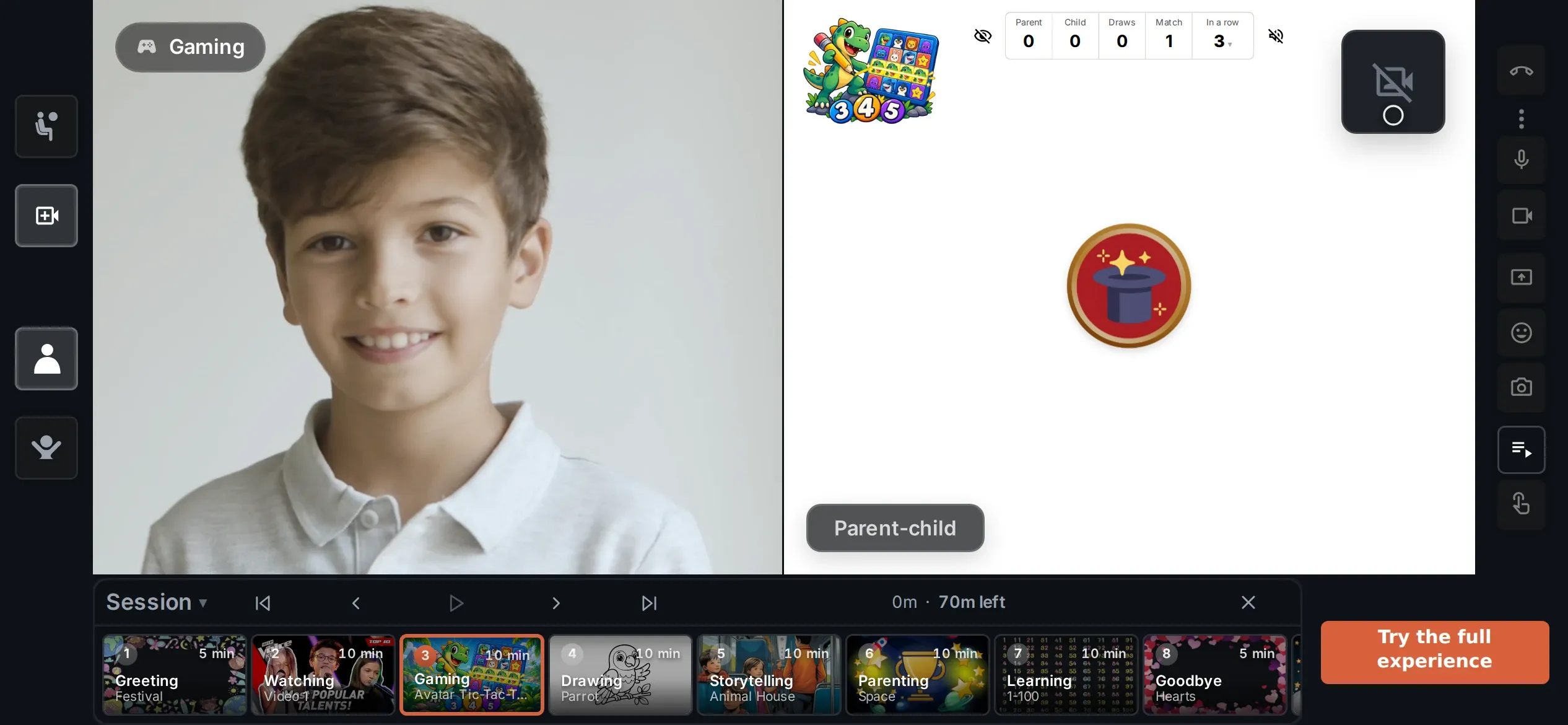
Your turn This is the live simulator. Click around, then scroll on when you are done.
How it works
Your kid gets the invitation link by email, and can safely login with the 4-digit PIN, which you have provided separately.
Schedule a CallYour next call with Sam






Invitation
Link sent to Sam by email
You share the 4-digit PIN yourself
Message
“Can’t wait to see you!”
Line up what you will do together and save precious time.
During the call, your Session Timeline becomes the shared flow.
Move from one activity to the next while both screens stay in sync.



Sleepless
The room was quiet, but Sam kept thinking about tomorrow. Dad read slowly, one page at a time.


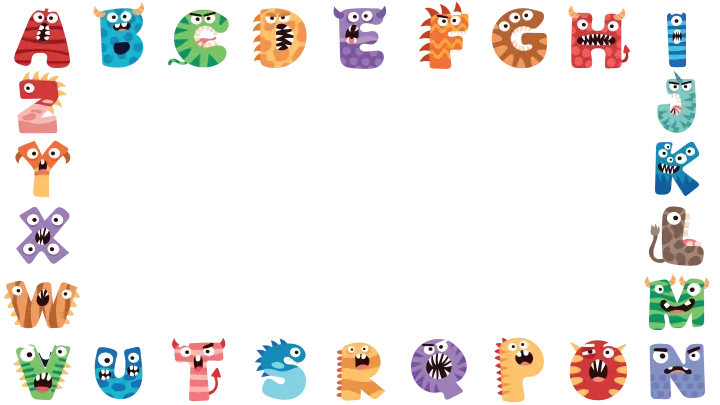
The Hearts frame around your hello
GreetingHeartsWatchingFunny animal videos GamingMemory GameDrawingCat RunningStorytellingSleeplessParentingExplorerLearningAlphabet
How do I start preparing a video call?
Save time. Find out what works best for other dads.
Personalise media and activities to your kid's interests and tastes.

Try one of the Community items
Pick any item on the left to see how it works.



 My Hands Children
 Parent 1Child 0✦
 ✦✦✦✦✦
✦✦✦✦✦







Create it your way
Adapt to what they love. Turn it into something you can do together.
Source
Frame(s)
Generate using
4 frames created




Source
Filter(s)
Generate using
4 filters created



Source
Image(s)
Generate using
4 images created




Source
Video(s)
Generate using
3 videos created



Source
Drawings
Generate using
4 drawings created




Prompt set detailsSleepless · 7 pages in this Story
‹ Sources
Create AI prompts for all pages in this Story
7 page illustrations created







‹ Sources
Upload character set
AI character set
Describe the character set
Generate using
3 characters created



‹ Sources
Goals and images set
AI goal set
Describe the goal set
Generate using
3 goals created
‹ Sources
Pictures for all 3 rewards
AI reward set
Describe the reward set
Generate using
3 rewards created


Prompt set details4 active pairs · 4 source images for identical matching
‹ Sources
Describe the complete set
Image direction
Generate using
4 matching pairs created


Generate frames for holidays, special occasions, or your kid’s favourite animals.
Visualise almost anything you want to teach or explore together.
Create personal image sets or an animated holiday slideshow.
Create short, funny clips around subjects your child loves.
Generate a personal song or soundtrack for your child.
Create drawing templates of almost anything your child likes.
Create personal illustrated stories, or import an EPUB and add illustrations.
Create personal characters, avatars and card sets for games and activities.
Create goals, steps and rewards that motivate your child.
Turn a generated image set into a personal game you can immediately play together.
Parent 2Child 1
Safety
The same Account controls used in iZiViD keep family access visible in one place.
Trusted adults
You choose which adults are part of your family group, and you approve every invitation they send.
Permissions
Calls, messages and every activity permission can be set for the individual adult.
Call content
Images, videos, books, games, YouTube and Goals & Rewards stay under the permissions you set.
Account


Trust built in
No public messaging. Public messaging and open chat are switched off. No ads. No data sold. iZiViD shows no ads of its own, and we do not sell your personal data.
YouTube content remains subject to YouTube’s rules.
European privacy protectioniZiViD B.V. is based in Amsterdam and operates under the GDPR and Dutch data-protection law.
Research
“The key conclusion is that the effect of the video call is determined by what is happening during the call and not by the platform itself.”
The project investigated how structured video calls can help long-distance parents maintain emotional closeness with their children.
Read the research →AI-assisted explainer based on the original research report
Start for free
As easy as any video call tool you know, with powerful extras that keep conversations flowing and awkward silences away.
 15 minGreetingHearts
 210 minWatchingFunny animal videos
 310 minGamingMemory Game
 410 minDrawingCat Running
 510 minStorytellingSleepless
 610 minParentingExplorer
 710 minLearningAlphabet
 85 minGoodbyeButterflies
Ready-made Community collections
Questions dads ask
FaceTime, WhatsApp and Google Meet are mainly built to help you see and talk to each other. iZiViD is built to help you spend time together.
Prepare a Session Timeline, watch videos, play games, draw, read stories, work on Goals & Rewards or use content your child already loves.
The call no longer has to depend on conversation alone. There is always something you can experience together.
If your current video calls already give you the connection you want, you may not need to change them.
iZiViD is for the calls that have become repetitive, too short or difficult to keep going. Instead of searching for another question to ask, you can simply move on to something you planned to do together.
It takes the pressure off the conversation and gives both of you more reasons to stay in the call.
During a real visit, you do not sit opposite each other talking every second. You watch something, play, draw, read, learn, laugh or simply spend time together.
iZiViD brings that same idea into a video call. Instead of forcing conversation, you can be together and share experiences.
No. It works as easily as the video call tools you already know, with powerful extras built around the call.
You can prepare as much or as little as you want. Build a Session Timeline beforehand, choose something from the Community, or simply start the call and use activities when you need them.
Using the Session Timeline in Support →You can start for free. Your child never needs a paid account to join your calls.
If you later want more, additional options are available and you will always see your local price before you pay.
Membership & pricing in Support →Children from about 2 to 12. Different children enjoy different ways of connecting, so iZiViD is built around activities rather than one fixed age group.
Choose games, stories, drawing, videos, learning activities and other content that matches your child’s age, interests and attention span. The interface adapts to the age you set, and you decide which tools are unlocked for each child.
Age settings in Support →A laptop, desktop, tablet or phone with a camera, a microphone and a stable internet connection — we recommend at least 5 Mbps. Current versions of Chrome, Firefox, Edge and Safari are supported. A working camera is required on both sides: if you switch your video off, your child’s feed pauses too.
You can prepare the Session Timeline and activities beforehand, so your child does not need to organise the call or prepare content themselves.
Devices & browsers in Support →Not necessarily. You schedule the call, and your child joins with the link and PIN you gave them. How much another parent or trusted adult is involved depends on your child’s age, device access and family situation.
If another adult needs access or needs to help your child join, you can invite your child’s other parent or another trusted adult. Every invitation they send your child comes back to you for approval.
Trusted adults in Support →Yes. You can use your own photos and videos alongside iZiViD content — add them from your device or your cloud storage, or prepare a YouTube playlist to watch together in real time.
That makes it easier to build activities around memories, interests and things that matter specifically to your child. Netflix and similar subscriptions are not supported yet.
Sharing photos & videos in Support →Yes. Everything you create starts private to your family. Personal media and activities do not have to be shared with the Community.
You choose per item, and only share something when you deliberately decide to.
Safety & privacy in Support →iZiViD is built for one-on-one calls, because that is where the relationship is. Two children can sit together at the same device, but two child accounts cannot join the same call from different places.
Multiple children in Support →iZiViD works in most languages, and the community library can be filtered by language so you find content your child can actually read.
From the Calendar in the right-hand menu: pick a date and time and confirm the session. On desktop you can add it to your own calendar in one click.
Scheduling in Support →Only for a planned call, and only from ten minutes before it starts. Until you begin the call, the rest of the app stays closed to them.
Child log-in in Support →Nothing here matches that.
Not covered here? View all Support questions →
Free plan, no credit card.